Switching Subscription Plans
As your inventory grows, your requirements for Price Rules will evolve. You can switch between subscription plans at any time to accommodate a larger product catalog or scale down during quieter periods.
How to Switch Plans?#
Changing your subscription requires just a few clicks within the app.
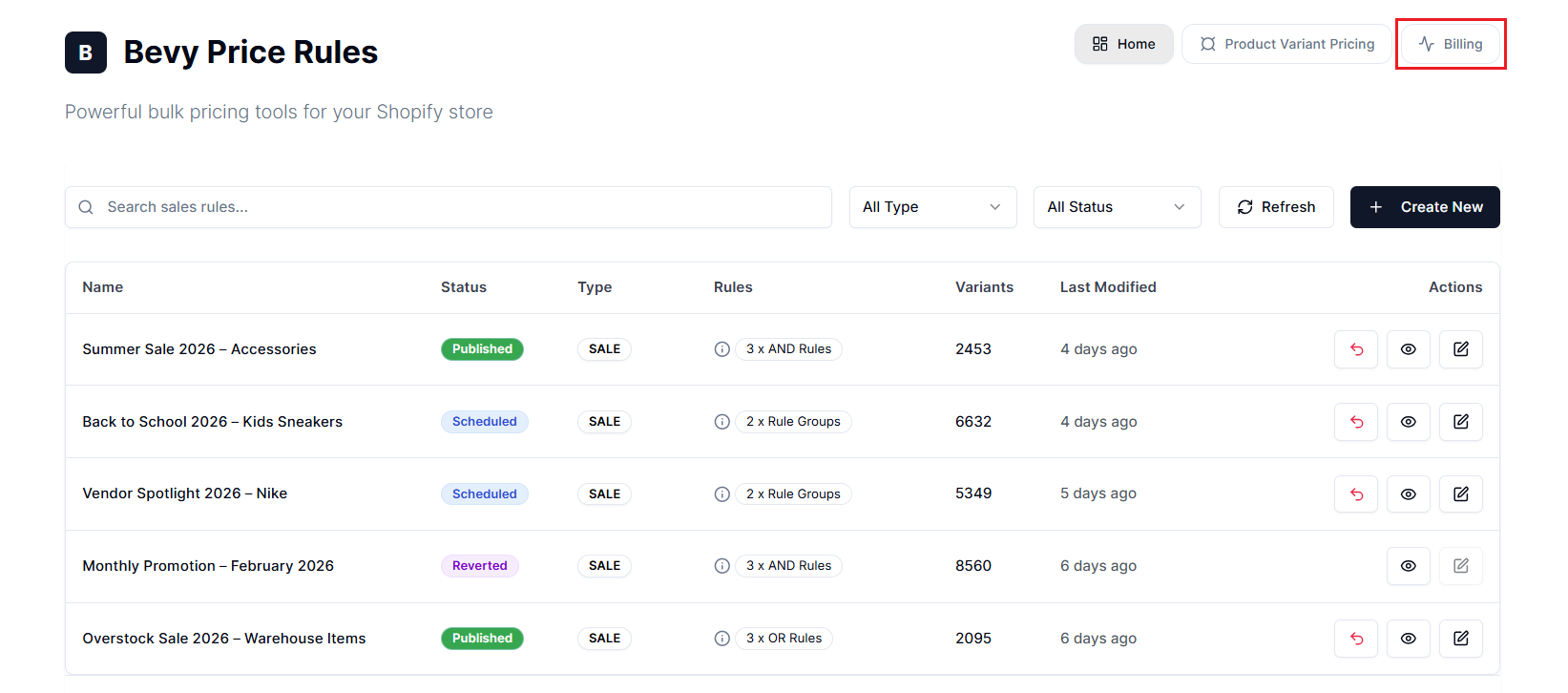
Step 1: Open the Price Rules app Home or dashboard, then select Billing in the top-left.
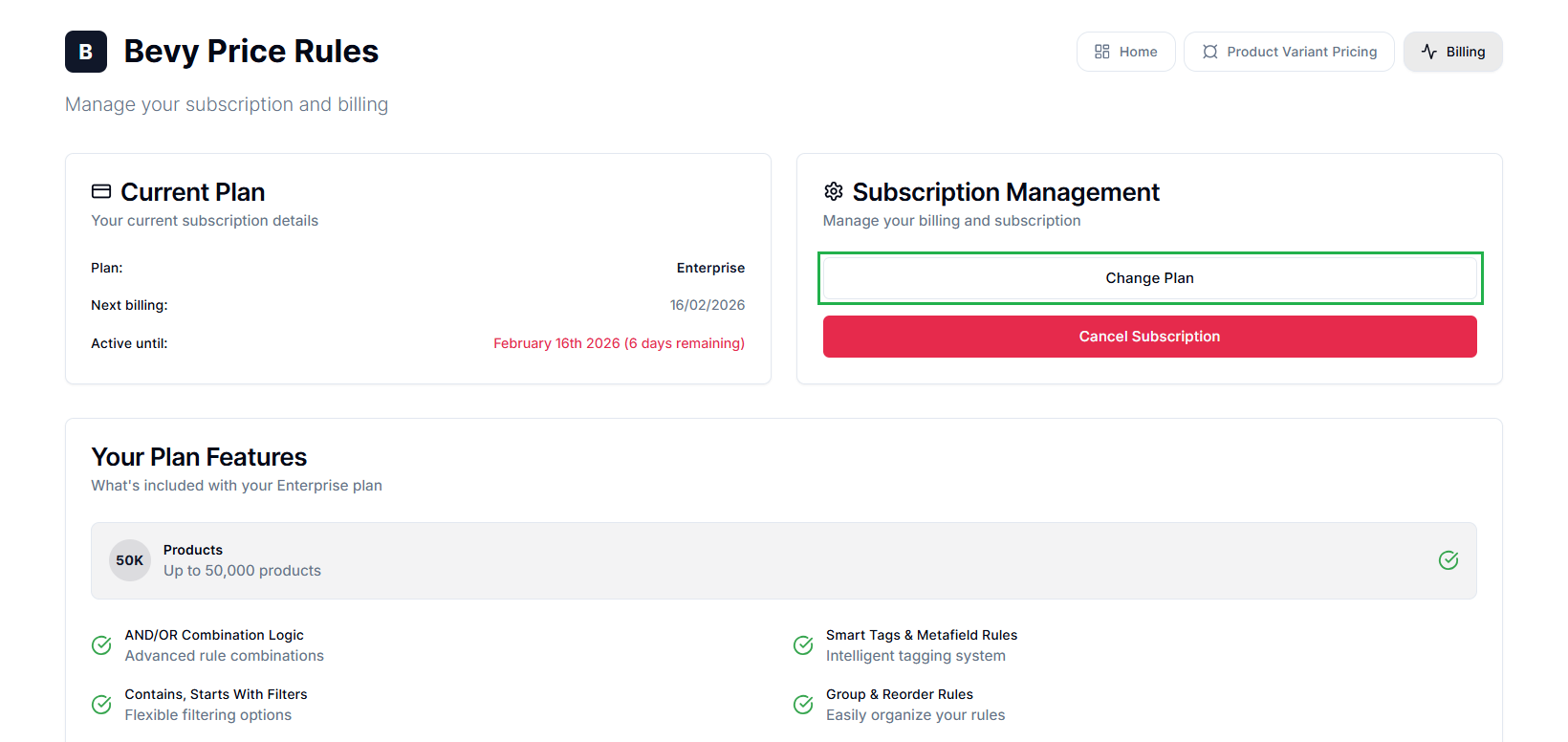
Step 2: Locate the Subscription Management section. Select Change Plan.
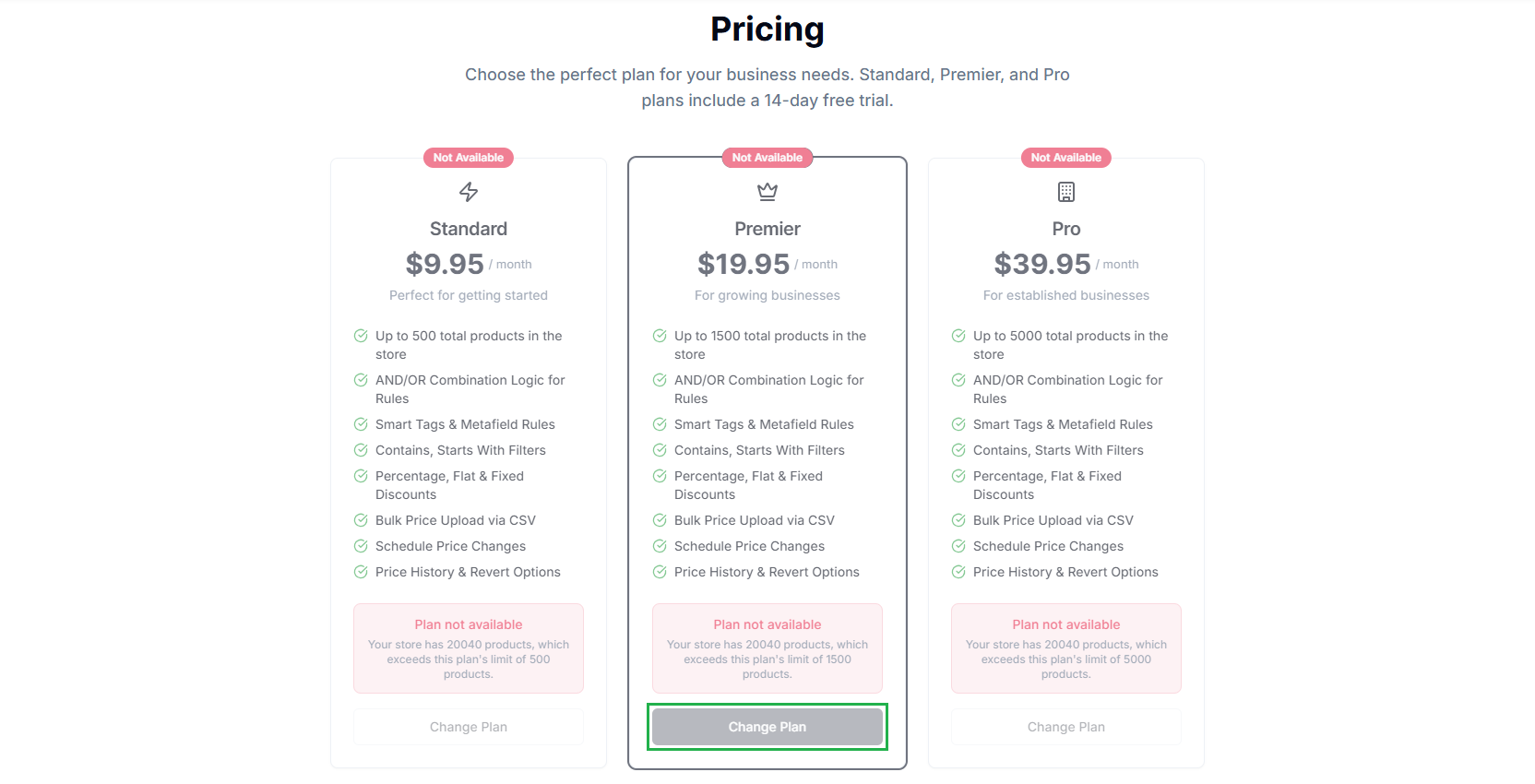
Step 3: Review the available tiers based on the number of products on your store. Select Change Plan for your desired tier.
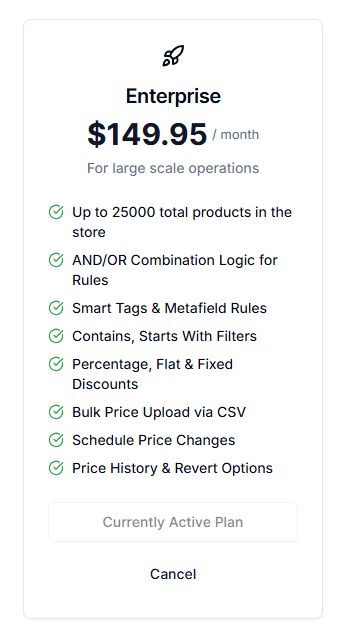
Note: The system highlights your Currently Active Plan.
Step 4: Shopify will redirect you to a payment confirmation page. Approve the charges to finalize the switch.
Available Plans#
Price Rules uses a fair scaling model. All features are available on all plans. The only difference between tiers is the Total Product Count limit.
You must choose a plan that covers the total number of products in your Shopify Admin, not just the products you intend to put on sale. The app must sync your entire catalog to accurately filter products and apply rules.
| Plan | Price (Per Month) | Product Limit | Best For |
|---|---|---|---|
| Standard | $9.95 | Up to 500 | Getting started |
| Premier | $19.95 | Up to 1,500 | Growing brands |
| Pro | $39.95 | Up to 5,000 | Established brands |
| Enterprise | $149.95 | Up to 25,000 | Large-scale operations |
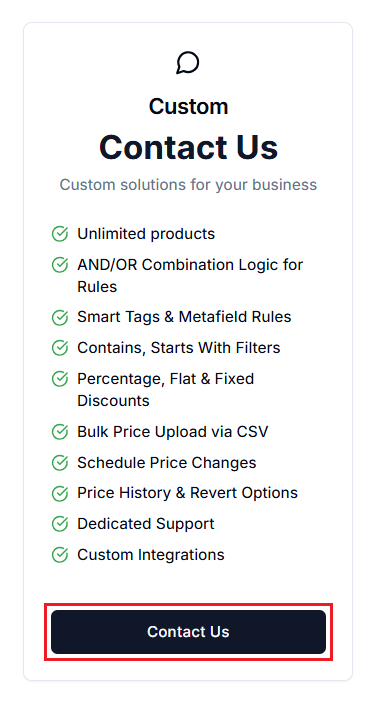
| Custom | Contact Us | Unlimited | Brands looking for custom solutions |
Note: For stores with more than 25,000 products, select Contact Us on the pricing page for a custom solution.
Upgrading vs. Downgrading#
Upgrading (Scaling Up)#
When you upgrade to a higher tier:
- Immediate Access: The new product limit applies immediately. If the app previously paused your sync due to limits, you can now sync the remaining items in your catalog.
- Billing: Shopify calculates a prorated charge based on the price difference and the time remaining in your billing cycle.
Downgrading (Scaling Down)#
When you downgrade to a lower tier:
- Billing: The new price takes effect at the start of your next billing cycle.
- Product Limits: You must ensure your total product count doesn’t exceed the new plan’s limit.
Important Notes#
Total Product Count#
If you downgrade to a plan smaller than your catalog size (e.g., you have 5,000 products but switch to the Premier Plan capped at 1,500), the app will stop syncing updates for the excess products. This can prevent you from applying sales to those items or reverting their prices. Always verify your Shopify product count before downgrading.
Limits Apply to Products#
Your subscription plan’s product limit is calculated based on the total number of parent products in your store. Variants are not counted separately. However, the app will still sync and manage pricing for all variants under each eligible product.
Feature Access#
Unlike many other apps, upgrading doesn’t unlock new features like Scheduling, Metafield-based Filtering, or Combination Rules. These are included in every plan, including the Free trial. Upgrade only when your inventory volume requires it.
Active Sales Remain Intact#
Upgrading or downgrading your subscription does not automatically stop, delete, or revert any active sales rules. All existing rules will continue operating as configured.
Free Trial Policy#
14-Day Free Trial#
The Standard, Premier, and Pro plans include a 14-day free trial. You may cancel at any time during this period to receive a full refund, and your subscription will end immediately.
After the Trial Ends#
If you cancel after the trial period, your plan will stay active until the end of your current billing cycle.
Need Help?#
If you’re unsure which plan fits your catalog size or need a custom solution, email our support team at support@bevycommerce.com, and we'll get back to you as quickly as possible.