Installing Smart Collections Builder
Installing Smart Collections Builder is quick and straightforward—no coding or technical setup required. Within a few minutes, you'll be ready to start creating automated collections.
Before Installation#
Here's what you should know:
- You need to be logged in to your Shopify admin.
- The app works with all Shopify plans.
- Installation doesn't affect your existing collections or products.
- You can start with a 3-day free trial on Starter, Pro, and Business plans.
Installation Steps#
Step 1: Log in to your Shopify admin panel.
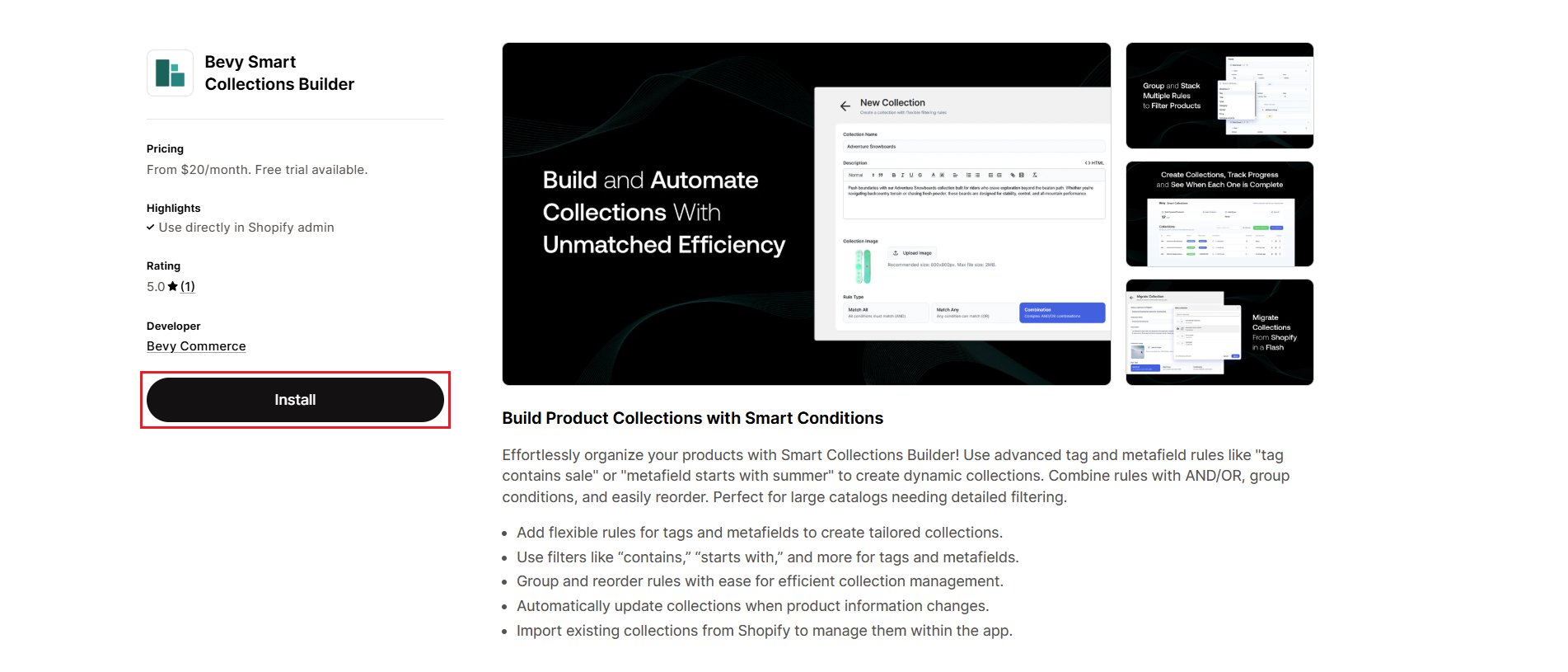
Step 2: Visit the Smart Collections Builder page on the Shopify App Store.
Step 3: Click Install to add the app to your store.
Step 4: Review the app permissions and click Install app to confirm.
Step 5: Choose a subscription plan that fits your store size. Don't worry—you can always change this later!
What Happens Next?#
Once installed, Smart Collections Builder automatically syncs with your Shopify product catalog. Depending on how many products you have, this initial sync may take a few minutes.
After the sync completes, you'll see:
- Your total synced products displayed in the dashboard.
- The option to create new collections or migrate existing ones.
- Full access to all app features based on your selected plan.
First Steps After Installation#
Here's what we recommend doing first:
- Explore the dashboard: Get familiar with the interface and available options.
- Check the sync status: Make sure all your products have been imported.
- Try creating a simple collection: Start with basic rules to see how it works.
- Migrate an existing collection: If you have Shopify smart collections, bring them into the app.
For a detailed walkthrough of the dashboard, check out our Dashboard Overview article.
Need Help?#
If you run into any issues during installation or have questions about getting started, we're here to help! Reach out via live chat or email us at support@bevycommerce.com.