Google Analytics
-
Create or sign in to your Analytics account.
-
Log into Bevy Design and head to the Integrations tab and click the 'Integrate' button beside Google Analytics.
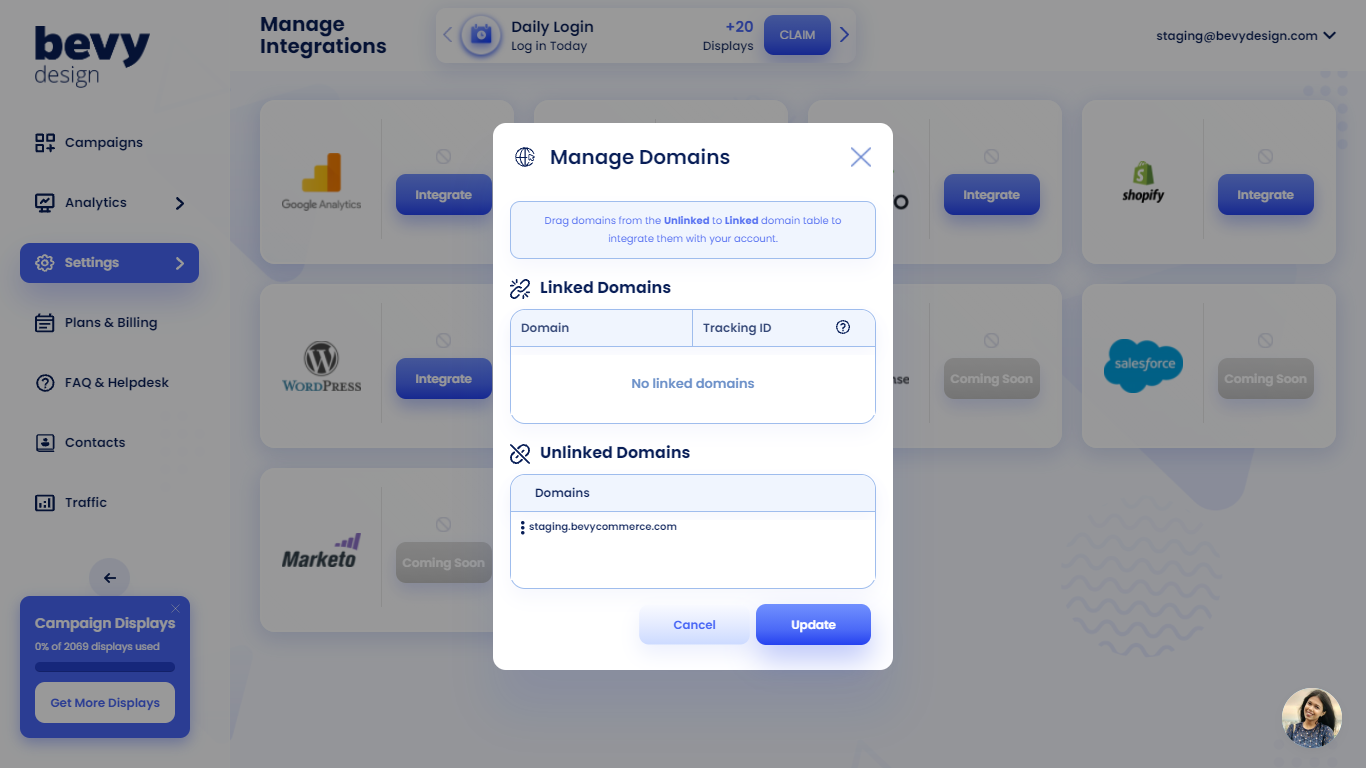
- Afterwards, simply drag and drop the 'Unlinked Domain' URL into the 'Linked Domain' section, and you're done integrating Bevy Design with Google Analytics!
NOTE
If a pop-up is displayed requiring to manually input the Tracking ID, please continue reading the guide.
-
Log into your Analytics account.
-
Click on the 'Settings' icon in the bottom left corner. Then, click on the 'Property Settings' tab.
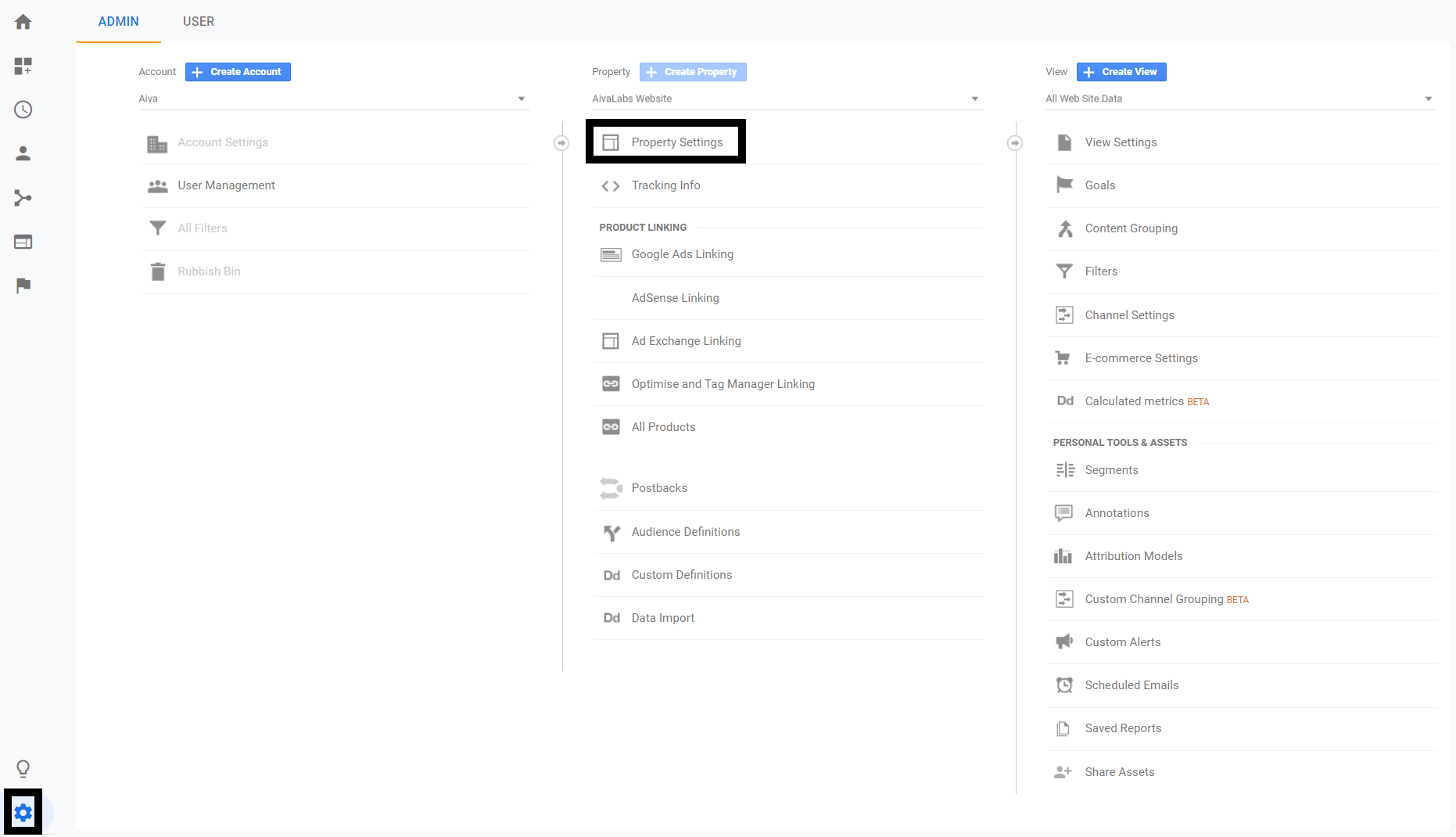
- Copy the tracking ID from Google Analytics and paste it into the pop-up that requires the tracking ID on the Bevy Design Dashboard.
Now you will be done with the integration of Google Analytics!